In searching of the best image viewer for CG Artists, I've been stumbled upon countless (or maybe not) softwares and windows apps, and uninstalled most of them. (ACDSee for the nostalgia, reliable Google Picasa, ImageGlass, IrfanView, XnView and a lot of Windows Store Apps).
My needs for a good image viewer?
- Must support TGA, PSD, EXR, TIF. Optionally HDR, SVG and other stuff.
- Should be fast enough while browsing and zooming.
- Color manageable.
- Simple interface with minimal amount of buttons.
- Hotkeys should be configurable.
- Open-source is a plus.
I've been using Google Picasa for a few years and it's no doubt the best image viewer for Windows: fast, nice interface, supports a lot of formats. But (yes, always a but), Google decided to abandon Picasa for some unknown reasons and there's nothing I can do about it.
I can still install the old Picasa 3.9 from the setup file I still have in my SSD, but with the lack of development and scaling issue in newer Windows versions, I decided to stop using it.
So here are the best ones I found so far: qView (https://interversehq.com/qview/)
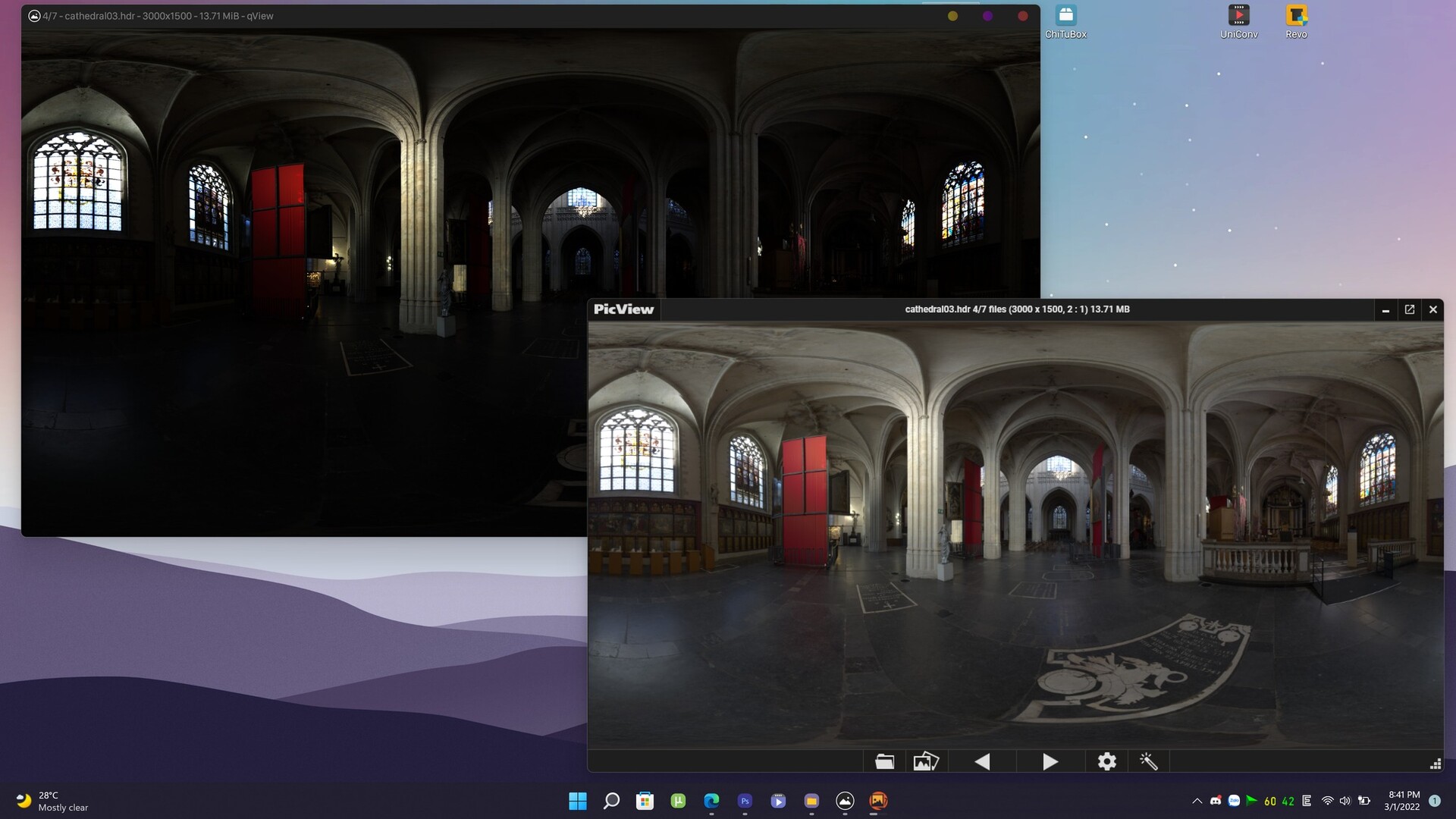
It's open source, multi-platform, fast and supports many formats. The only downside is non-configurable color management and non-existence wide gamut (HDR) tone mapping. But I have another software to open HDR files: LizardQ Viewer which supports panoramic view and HDR tone mapping.
The 2nd choice should be PicView (https://picview.org/)
This open source software is crazily fast, like Quicksilver or The Flash on steroid. I can open a 200mb 16bit EXR file in 1 or 2 seconds. It also has a very consistent HDR tone mapping, which is nice for HDR preview. But the interface is a bit clumsy with some glitches when resizing windows. It's still a solid choice.
Pictureflect Photo Viewer (https://pictureflect.com/) is another good choice with a very customizable option page. But the lack of some image format support had me uninstall it. You can still use it for normal image viewing, a very solid Windows Store App (which means no messy files, and auto-update from the Store).
Others softwares I mentioned in the first paragraph are non-comparable, so just get rid of them.
---
TL:DR: If you need a good image viewer. Install qView and forget the rest.
#cg #color #imageviewer #software #3d #artist